I recently cloned the gatsby-starter-default to build a little side project. I wanted a little Typescript goodness, so I followed this article to enable typescript in the gatsby-starter.
It didn’t go fine
I spent about 4 hours trying to stop typescript from compiling if I had type errors. This was supposed to be simple. I get it for free in CRA apps.
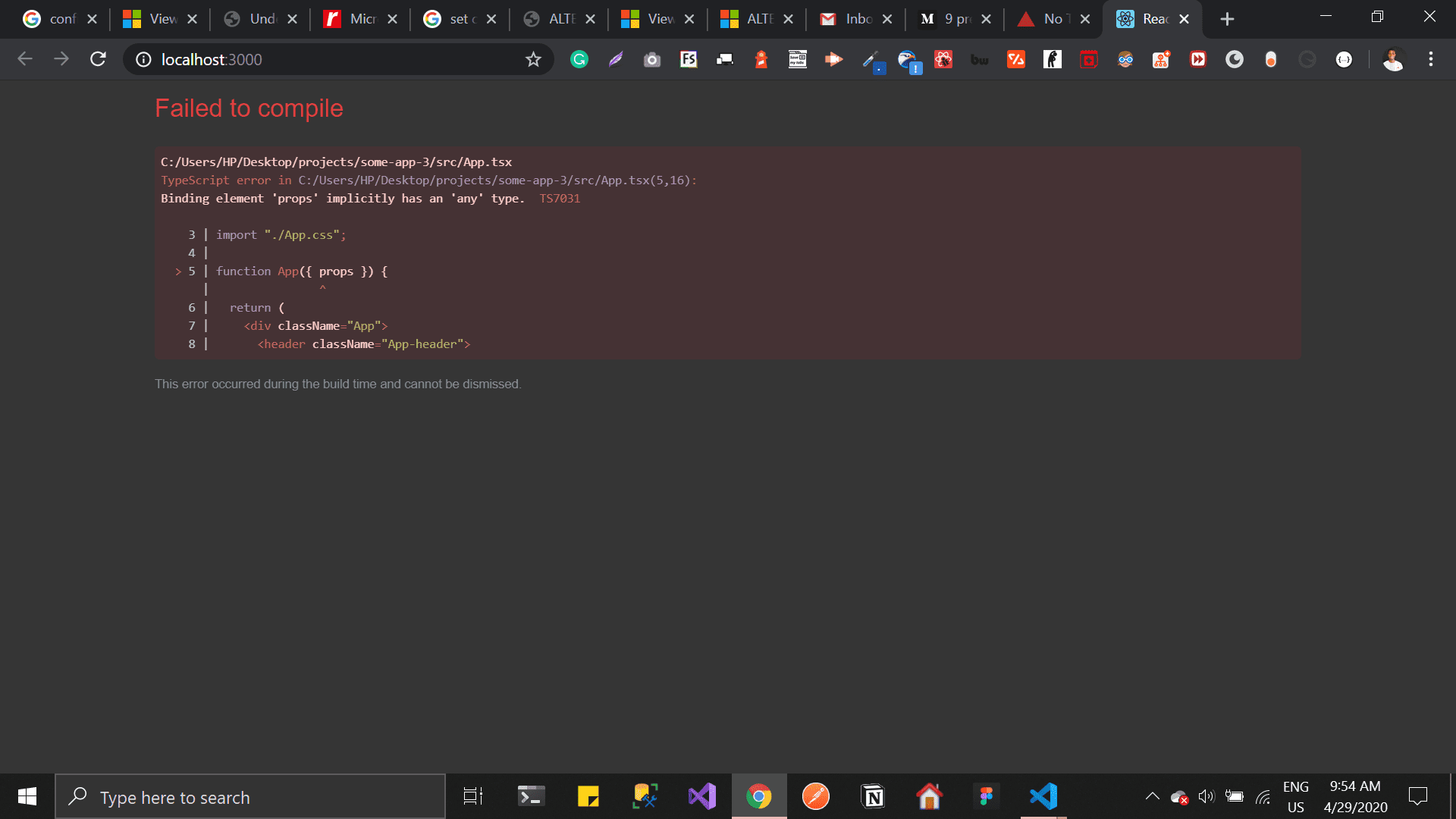
This was so frustrating. After trying everything I could, I asked a question on spectrum’s React channel, some was nice enough to point me to this part of the docs
This plugin (gatsby-plugin-typescript) uses babel-plugin-transform-typescript to transpile TypeScript. It does not do type checking. Also since the TypeScript compiler is not involved…
It turns out I was just fooling around. There’s no way to stop typescript from compiling if there’re errors. The best I can do is setup eslint & VS Code to show the type errors
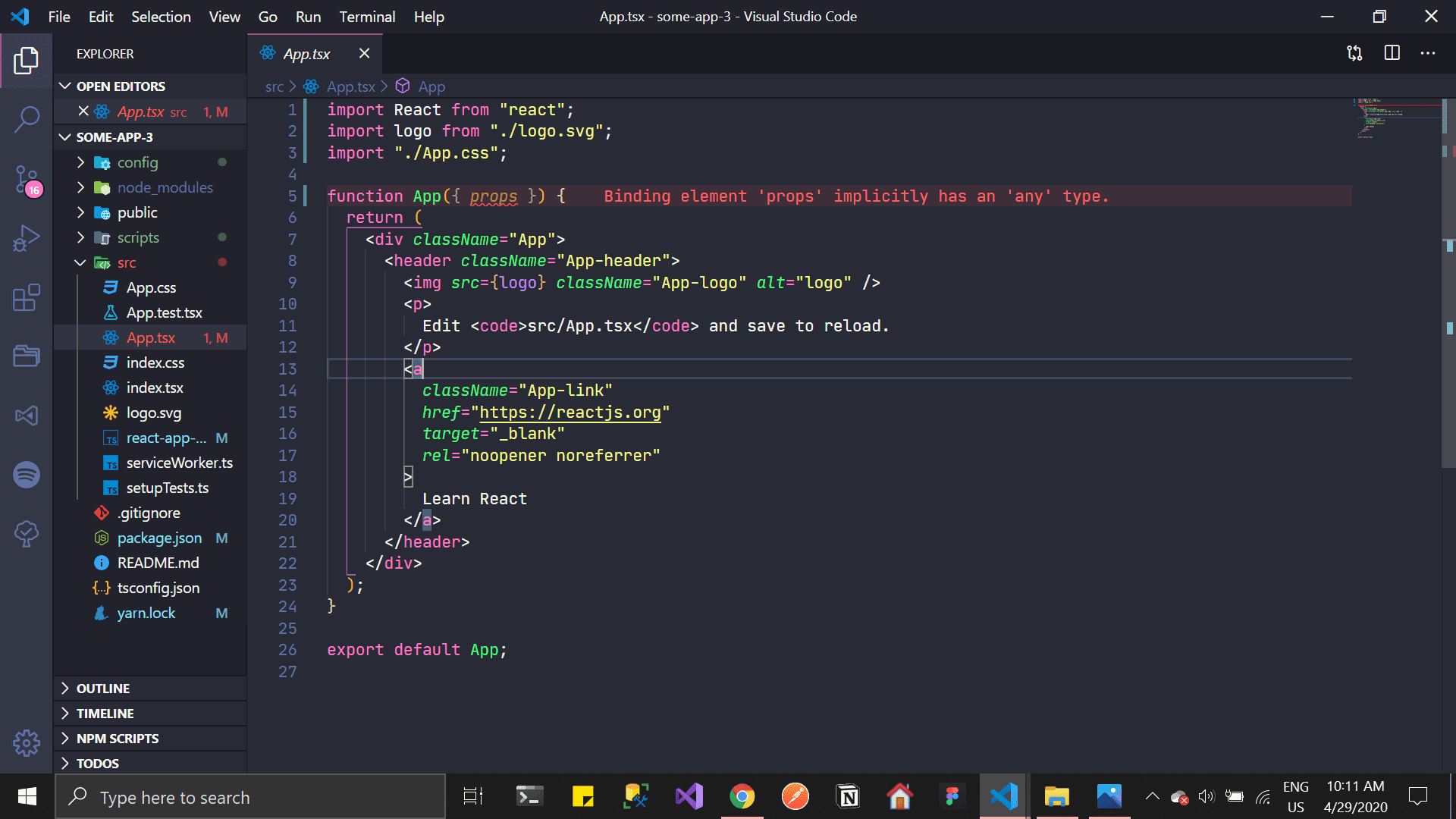
My code would still compile & I could still build. I have to get used to this 🤷♂️. If you know of anyways to make typechecking work in Gatsby, please discuss this with me on Twitter I can’t be more excited to hear it.